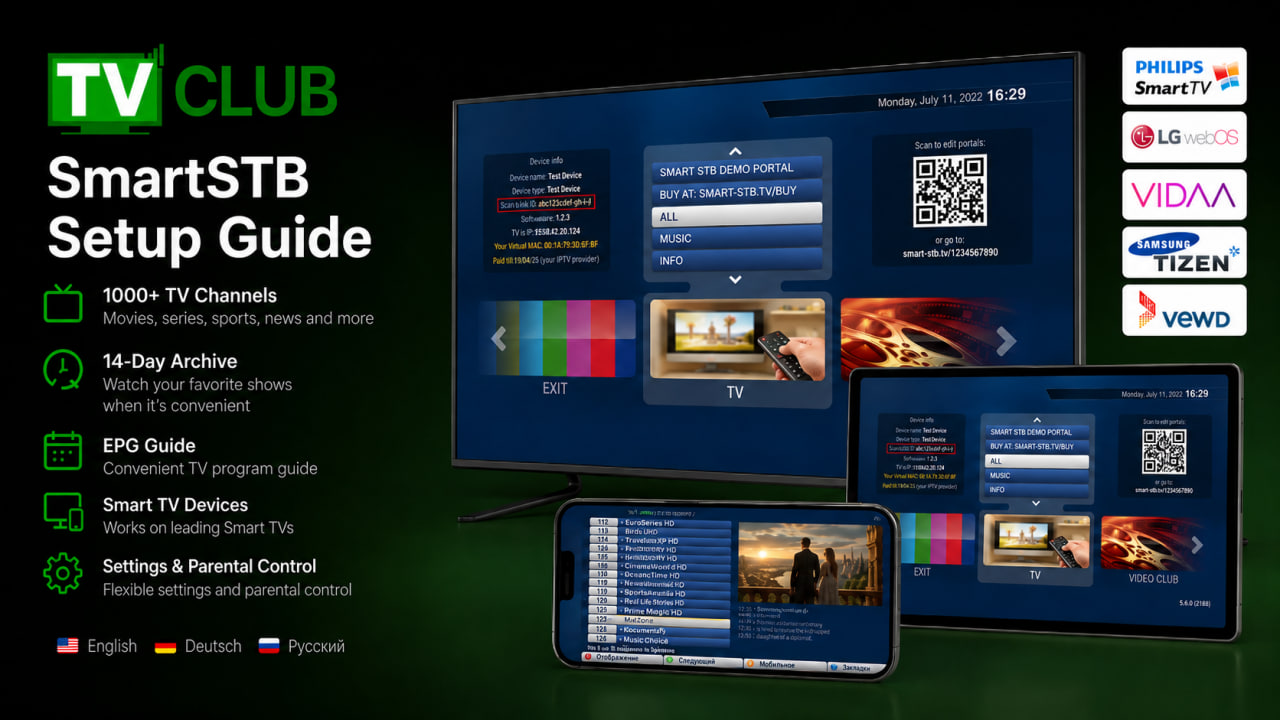
Buying and installing StalkerTV
The Apple TV app is paid separately from the TVClub service. The app price is set by the app developer.
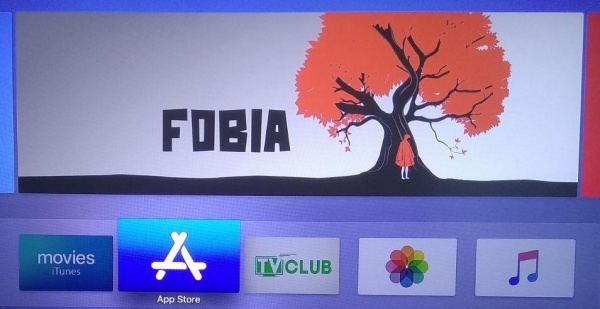
- Open the App Store on Apple TV.
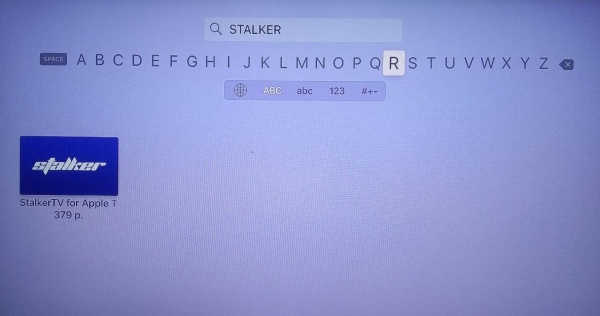
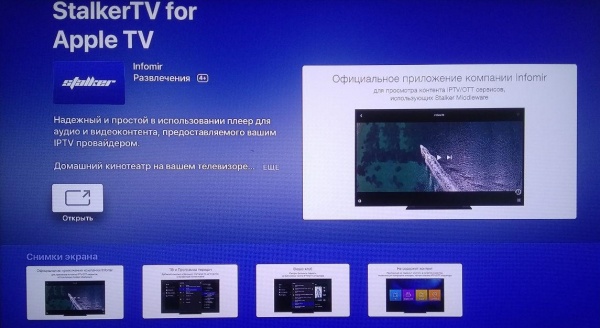
- Search for StalkerTV and select the app.
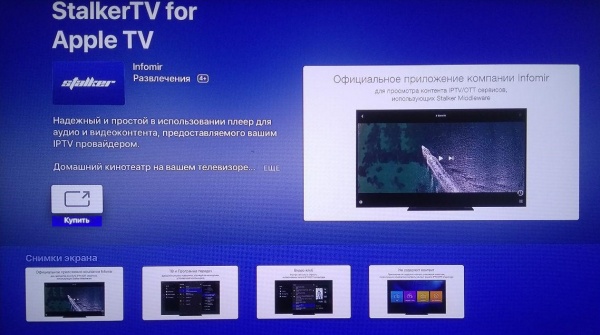
- Open the app page and press the purchase button.
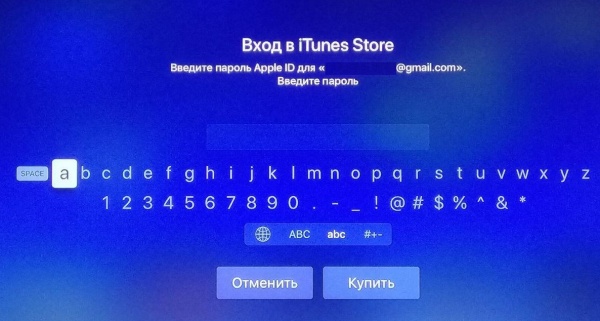
- Enter your Apple ID password and confirm the purchase.
- After installation, open the app.
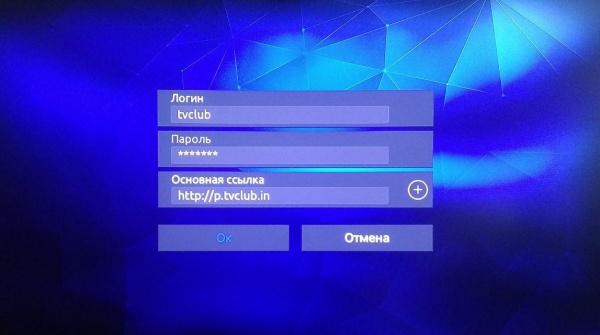
- Enter your TVClub login, password and portal address http://p.tvclub.in.
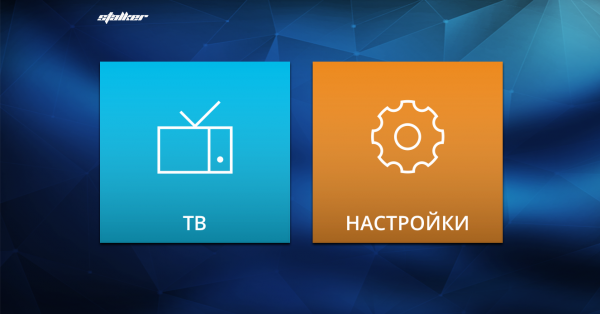
- Open TV from the main menu.
Watching channels, EPG and catch-up
Watching TV channels
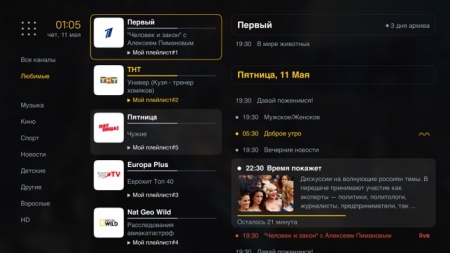
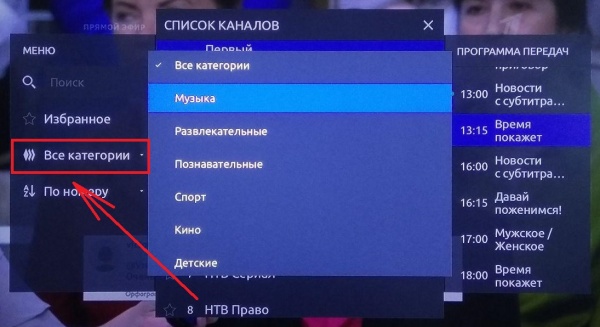
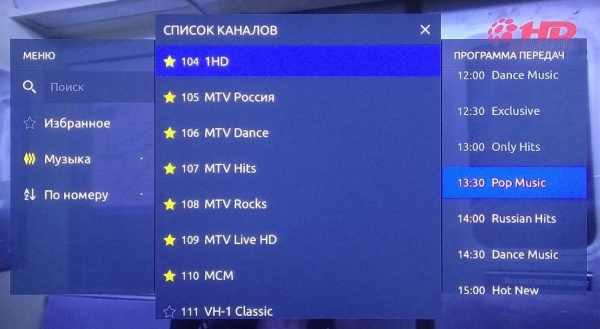
- Open the category menu.
- Choose a category and select a channel.
- Use the left and right buttons to switch channels inside the selected category.

Program guide
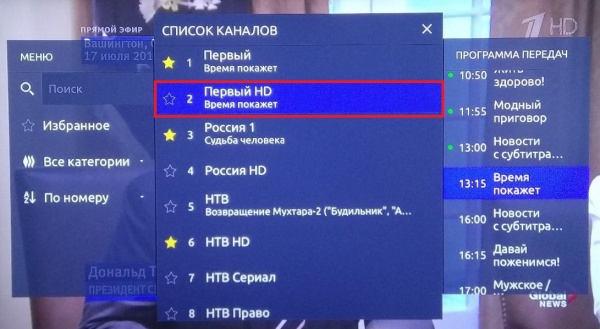
- Select a channel in the Channels menu.
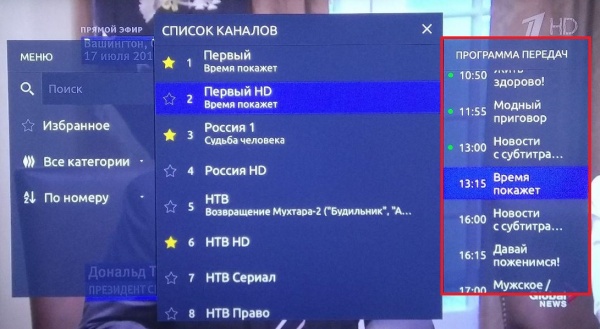
- Open the Program guide section and choose a program.
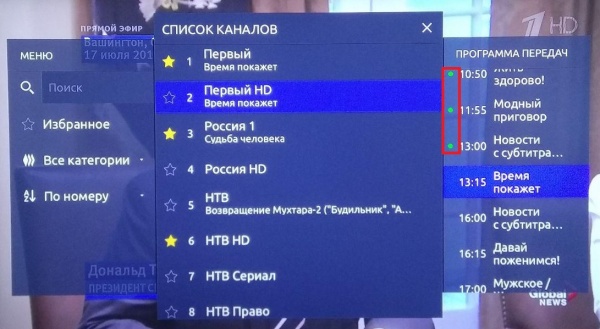
Catch-up archive
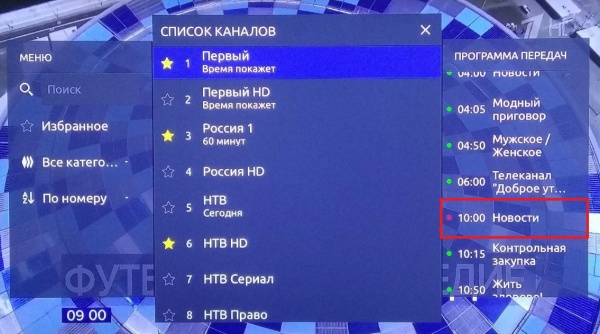
- Programs marked with a green dot are available from the archive.
- Select the program and start playback.
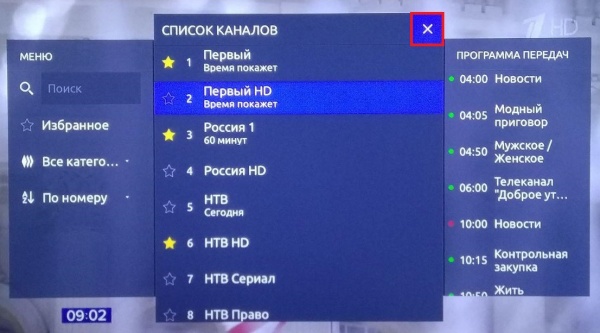
- Close the menu with the close button
 .
.