Overview
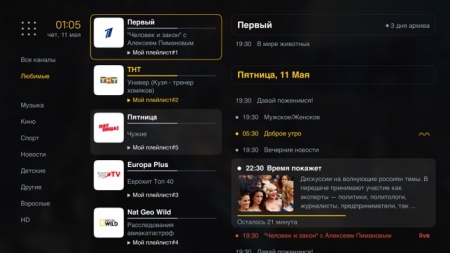
Ott-Play is a free IPTV player. For TVClub, the recommended setup is either TVClub account authorization in the player or Stalker portal mode. Playlist mode is also available, but EPG and catch-up behavior then depends on the playlist source.
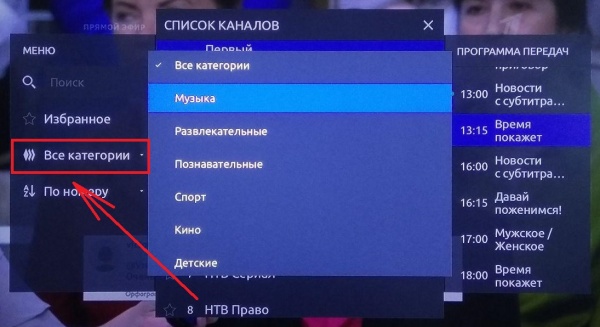
When Ott-Play works through TVClub authorization or the Stalker portal, it uses the TVClub program guide and supports the archive available for the account.
TVClub account setup
- Launch Ott-Play.
- Select the interface language during the first launch.
- Open first-launch setup and choose manual setup.
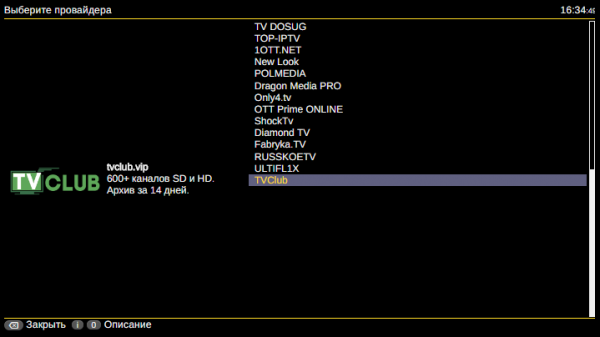
- In the provider list, select TVClub.
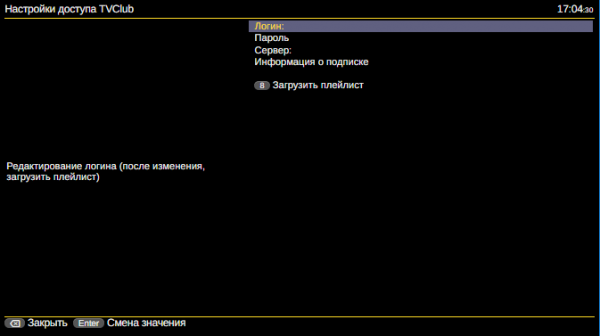
- Enter your TVClub login and password.
- Select the option to load the playlist and wait for the service to open.
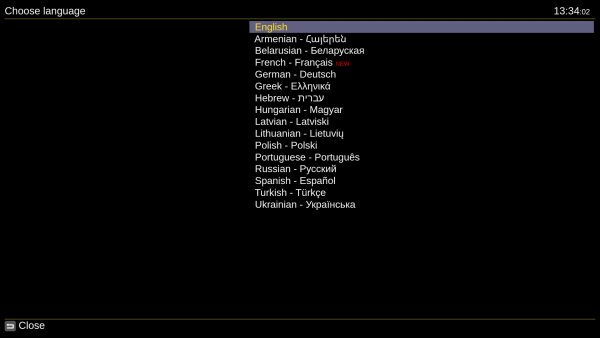
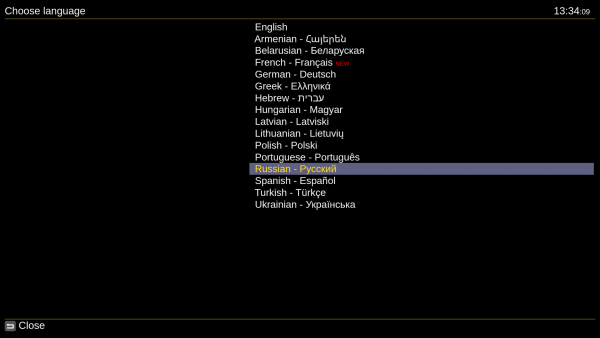
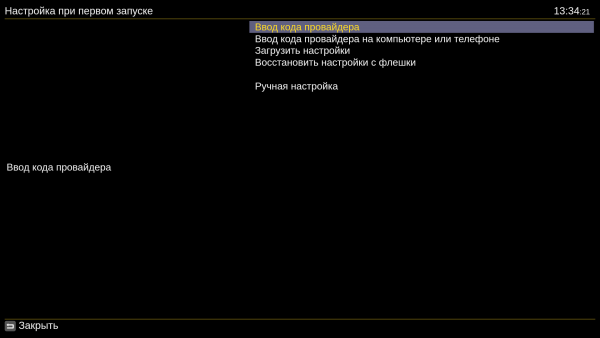
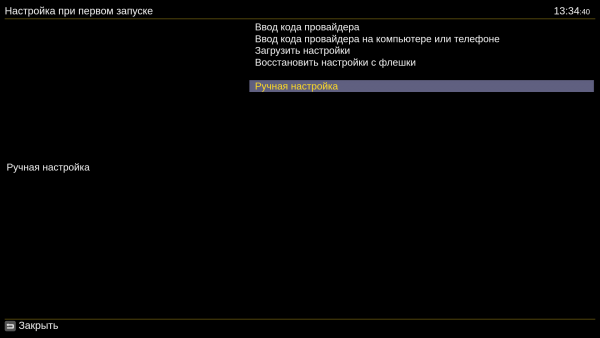
Stalker portal setup
- Launch Ott-Play and select the language.
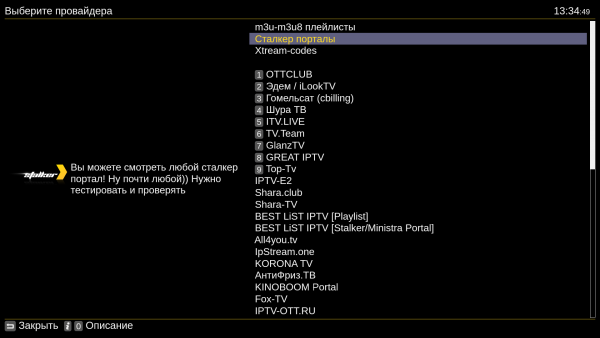
- Choose manual setup and select Stalker portals as the provider.
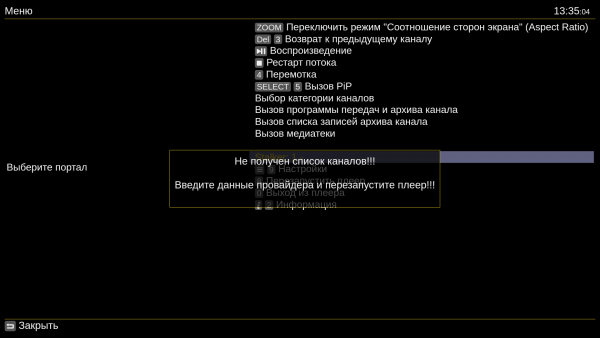
- Close the message asking to enter provider data.
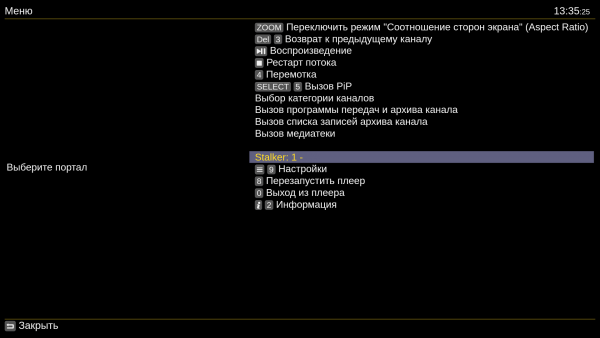
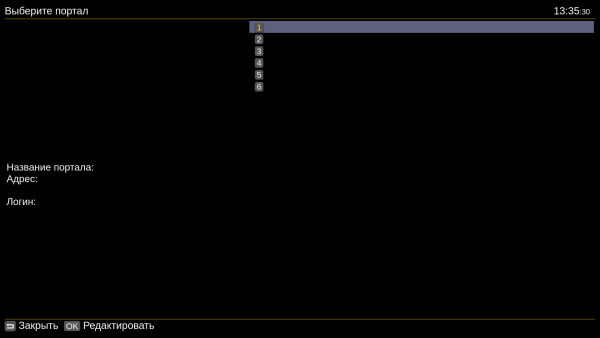
- Open the Stalker menu and add a portal.
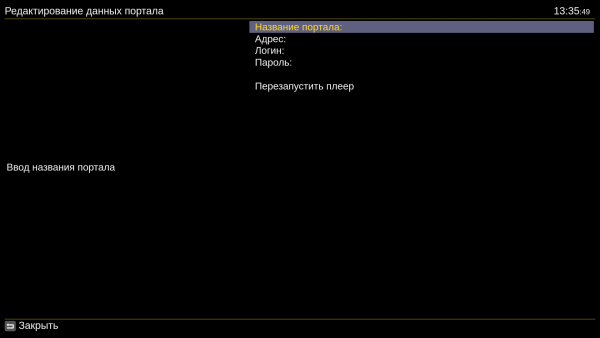
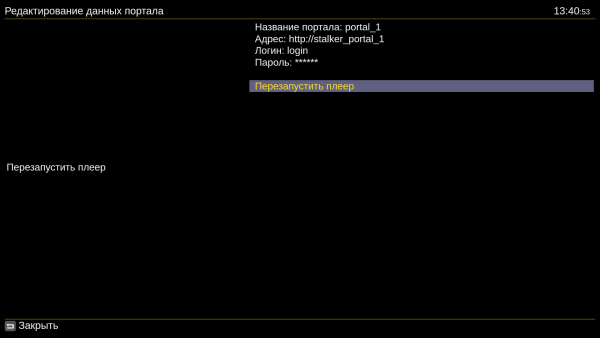
- Enter any portal name, the portal address, your TVClub login and password. Use a login that is not bound to a MAC address.
- Restart the player. On the next launch, Ott-Play loads the selected portal.

Android TV installation
The APK is distributed outside TVClub infrastructure: download the APK from the developer link. Check the file source before installation.
With a USB drive
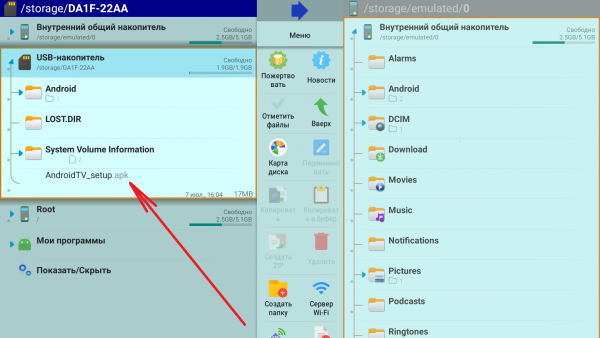
- Download the APK to a USB drive and connect it to the device.
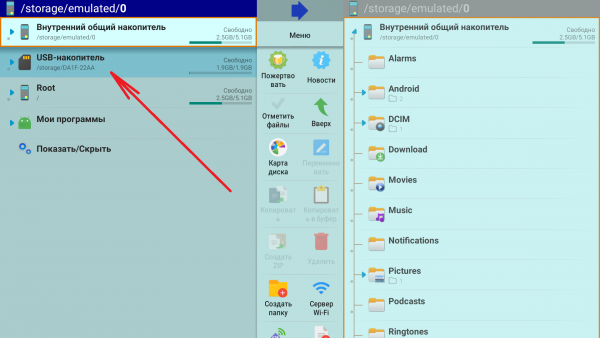
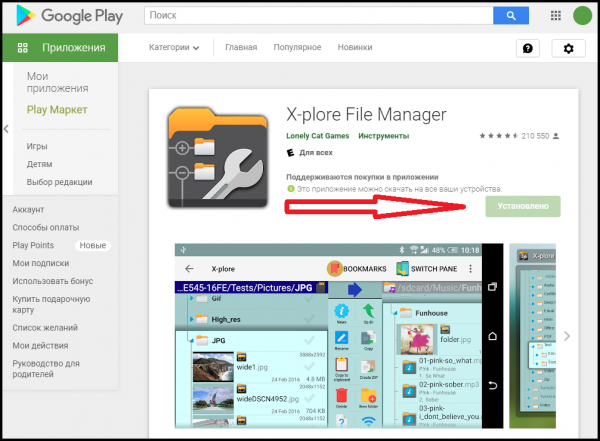
- Open the USB drive using the built-in file browser or a file manager such as X-plore File Manager.
- Select the APK file.
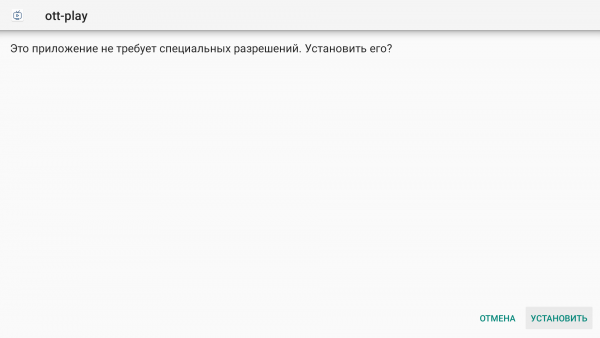
- In the installation dialog, choose Install.
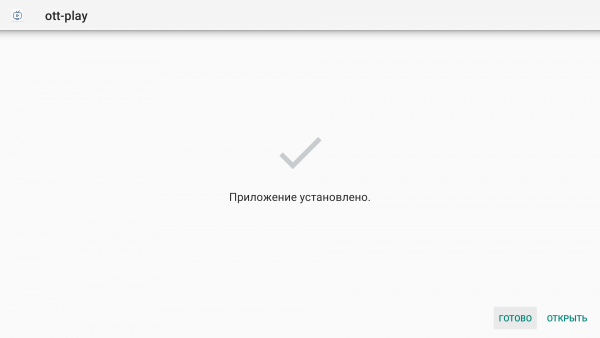
- After installation, choose Done or Open.
Without a USB drive
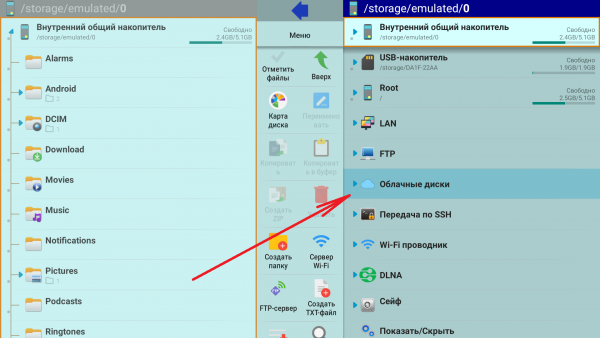
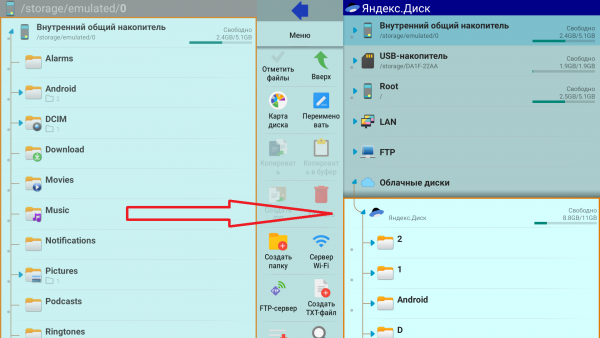
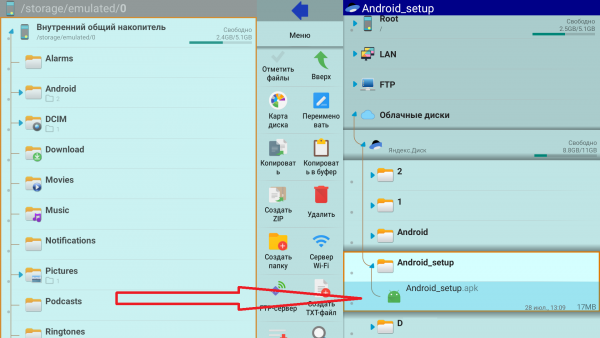
Use this option for devices without USB ports, such as Amazon Fire TV Stick or Xiaomi Mi TV Stick. Upload the APK to cloud storage before starting.
- Install a file manager such as X-plore File Manager.
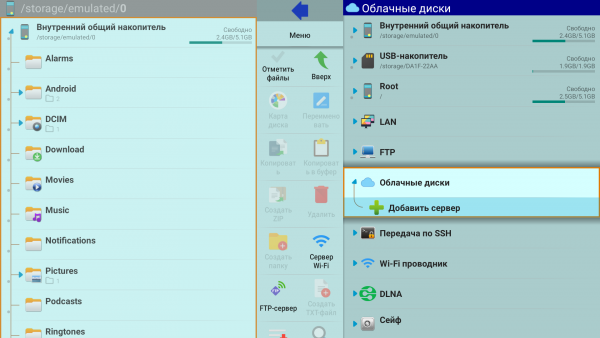
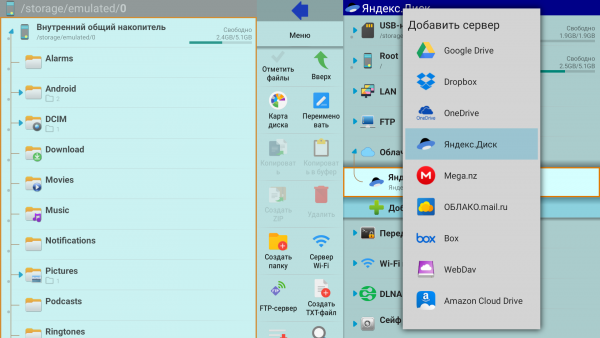
- Open Cloud storage in the file manager and add the required cloud service.
- Sign in to the cloud storage account.
- Open the folder with the APK file.
- Select the APK and install it.
- After installation, choose Done or Open.
Uclan Ustym 4K Pro
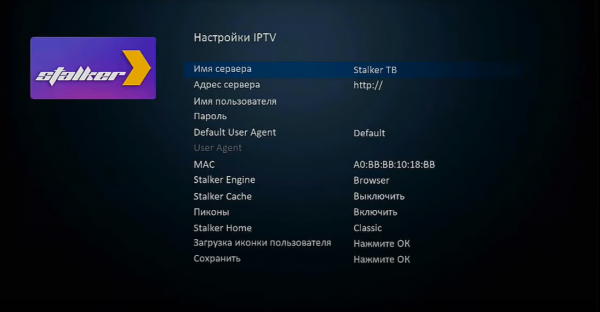
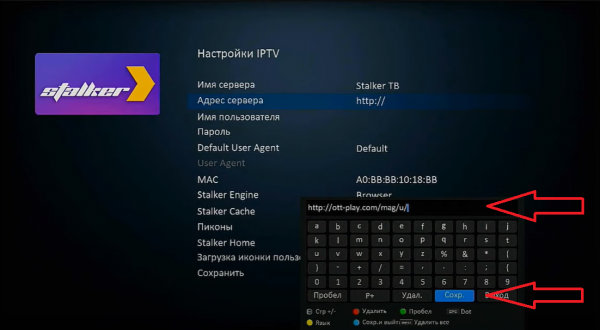
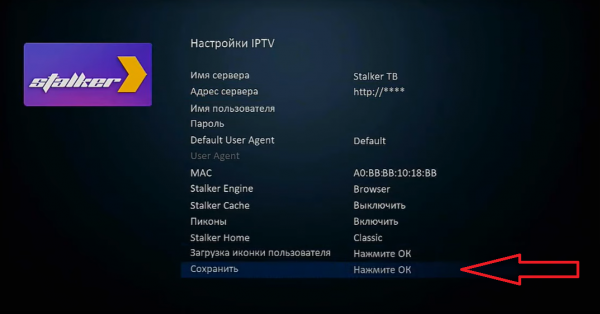
- Open the Stalker app and its settings.
- In Server address, enter
http://ott-play.com/mag/u/. - Make sure Stalker Engine is set to Browser and save the settings.
- The next launch of Stalker opens Ott-Play.
MAG set-top boxes
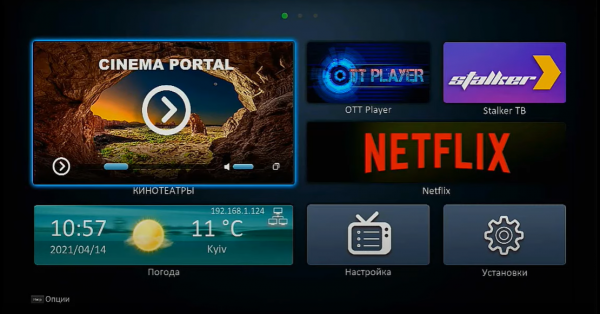
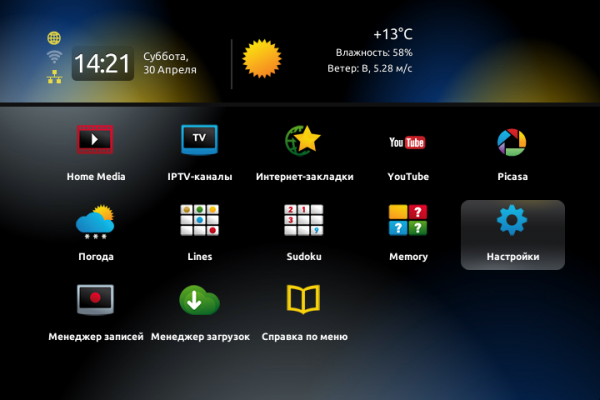
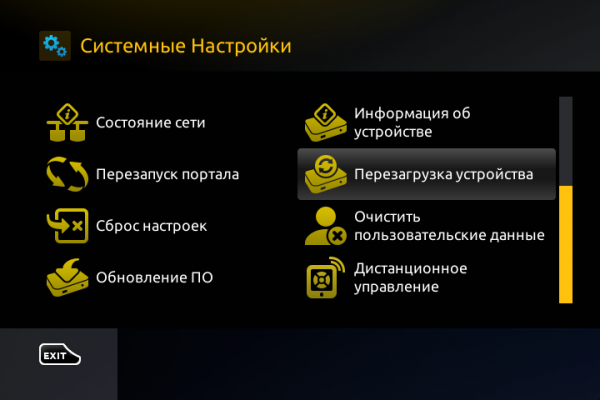
- Open the internal portal while the device is loading.
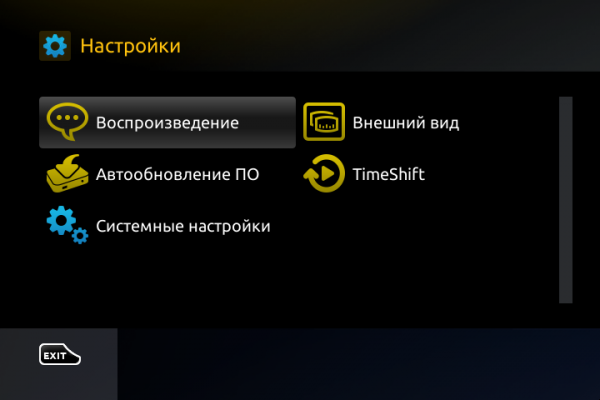
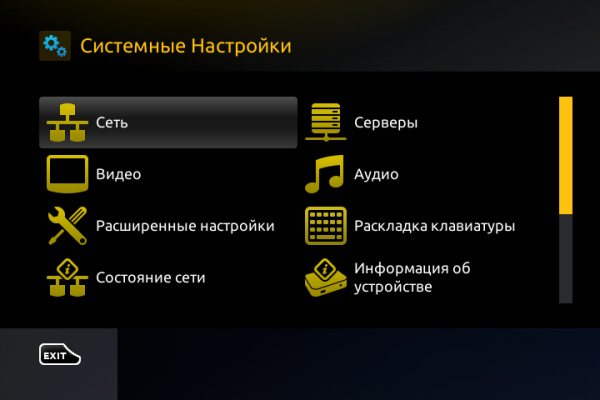
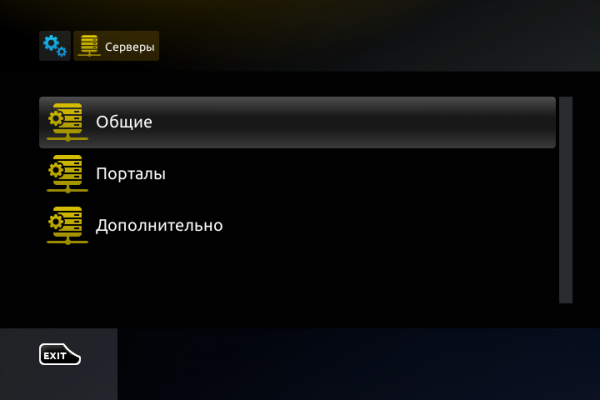
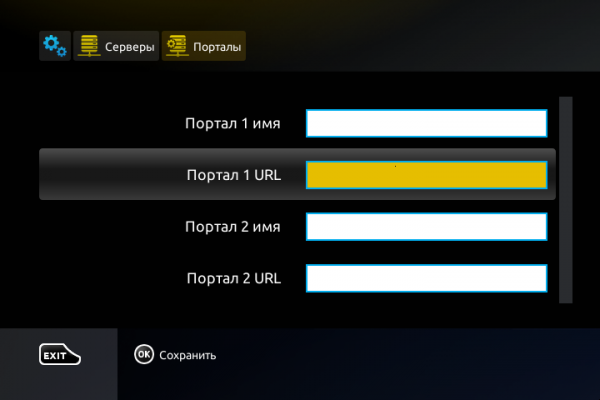
- Go to Settings, then System settings, Servers and Portals.
- Enter
http://ott-play.com/magas Portal URL. - Save the portal settings and reboot the device.
- Choose the portal with the Ott-Play address to load the player.
LG Smart TV
NetCast via USB
For NetCast models, download the LG NetCast archive. Extract the archive to the root of a USB drive. For 2011 models, use the upper USB APPS slot.
WebOS and NetCast via DNS
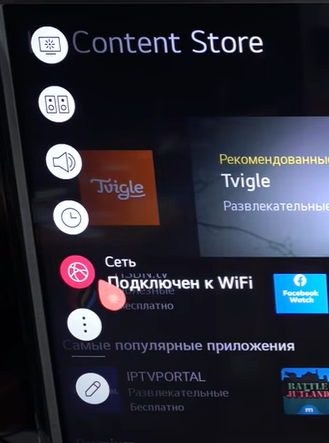
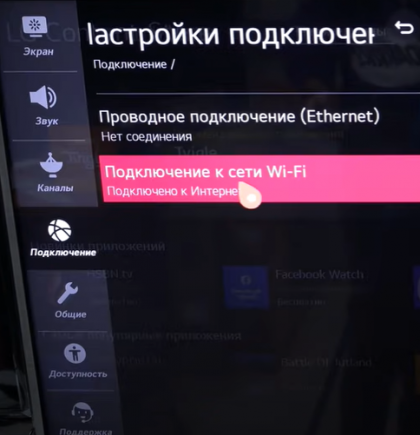
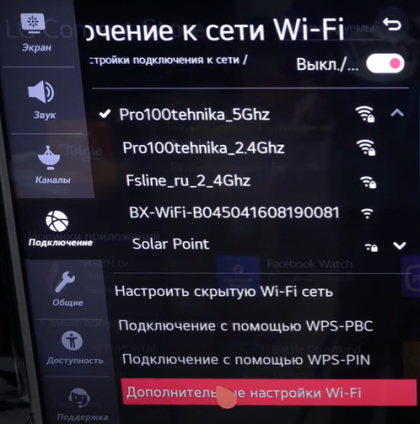
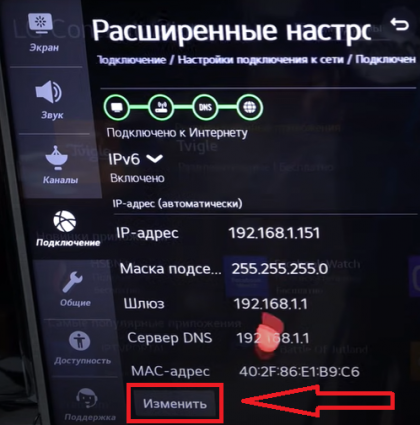
- Open Network settings and choose wired or Wi-Fi connection.
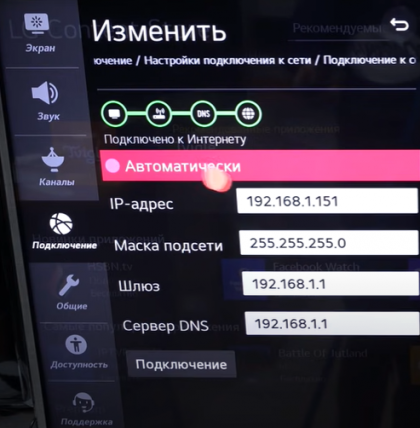
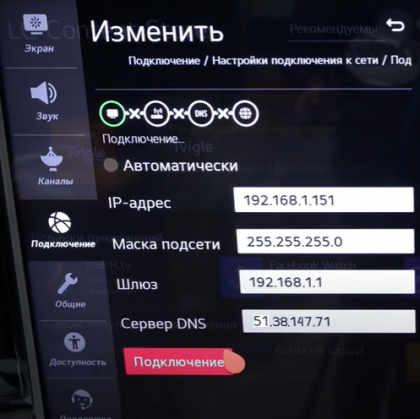
- Open advanced settings, disable automatic DNS and enter
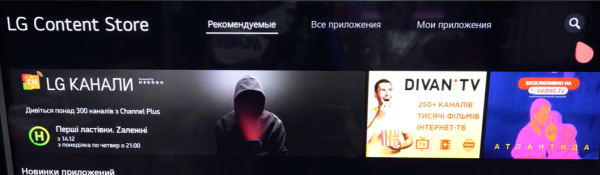
51.38.147.71/54.38.133.187. - Install one of the supported host apps from the app store and launch it to open Ott-Play.
Media Station X
- Install Media Station X from LG Content Store.
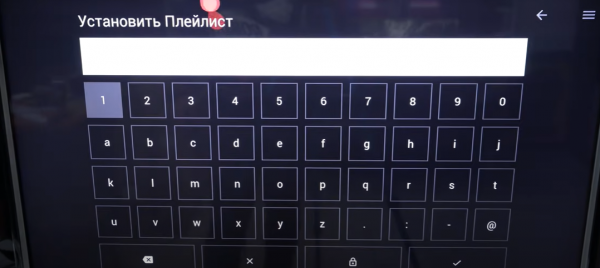
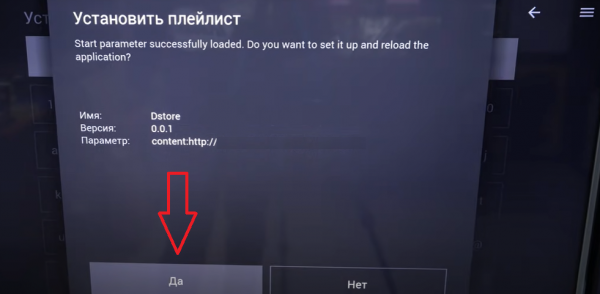
- Open the app, open Settings and choose Playlist or Start Parameter.
- Enter ott-play.com and save the settings.
- On the next launch, use the Ott-Play icon inside Media Station X.
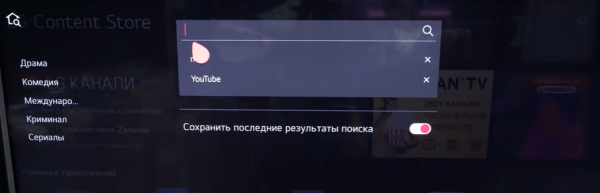
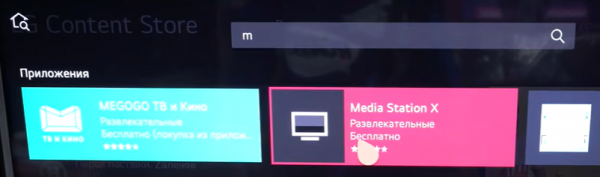
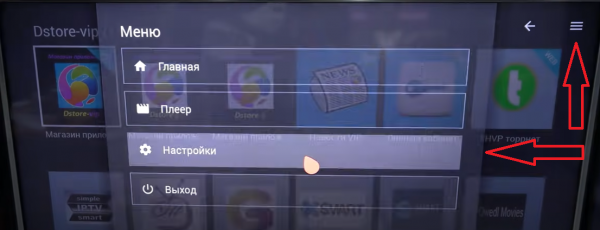
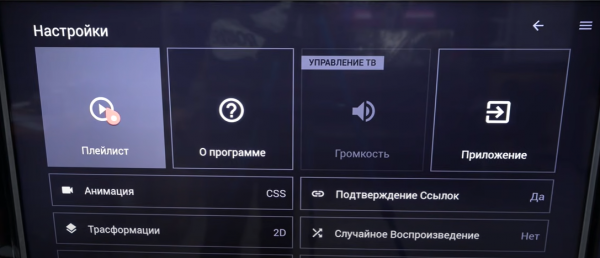
Samsung Smart TV
Orsay and non-Tizen via USB
For Samsung D/E/ES/F/H/HU/J4/J52 models, download the Samsung Orsay archive. Use a FAT32 USB drive, extract the archive into a folder on the drive and insert it into the TV.
DNS method
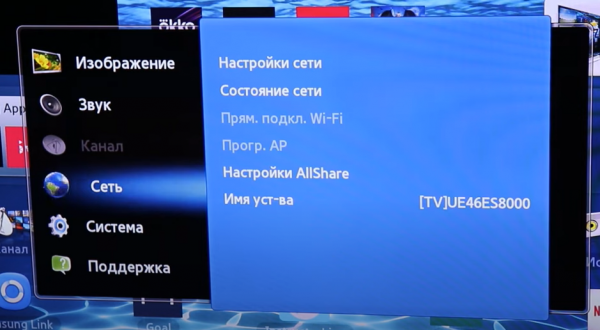
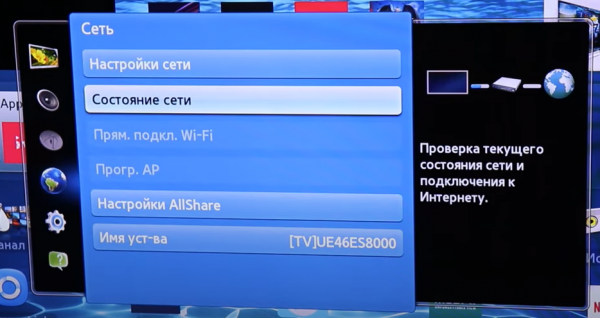
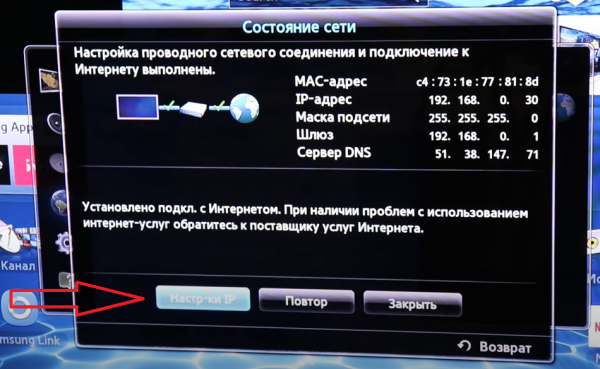
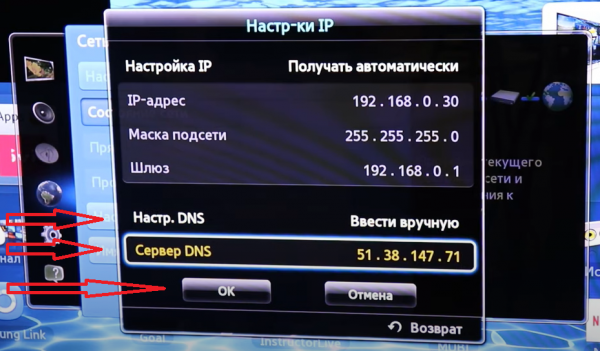
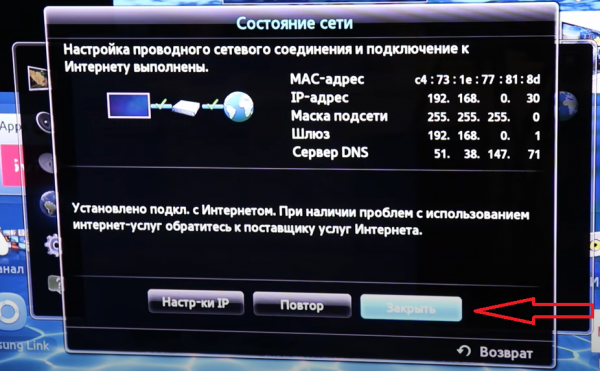
- Open Menu, Network, Network status and IP settings.
- Set DNS to manual and enter
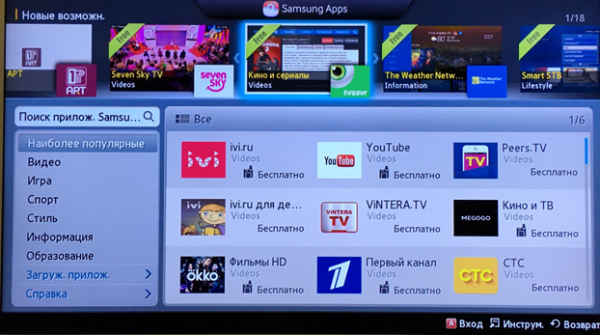
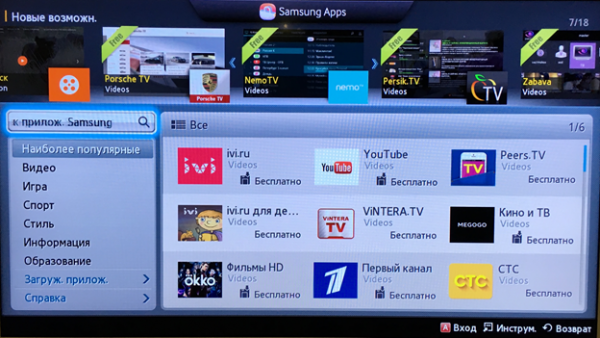
51.38.147.71/54.38.133.187. - Install one of the supported host apps, preferably RedBull TV, and launch it to open Ott-Play.
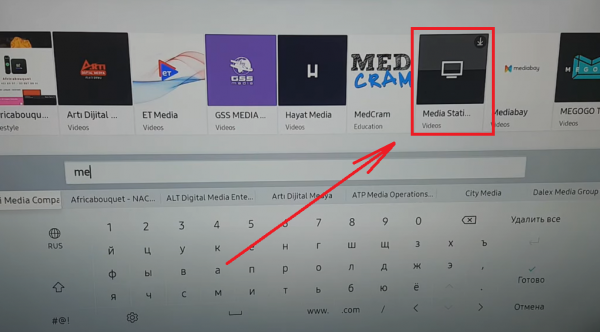
Media Station X
On Samsung Tizen TVs, Ott-Play may work differently and can have limitations. Test the launch before relying on this method.
- Install Media Station X from the TV app store.
- Open Settings, choose Playlist or Start Parameter, enter ott-play.com and save.
- Launch Ott-Play from the icon shown in Media Station X.
Other Smart TV brands
For Toshiba, Panasonic, Sony, Philips, Hisense, Skyworth, TCL, Sharp and Haier, the older method uses DNS 51.38.147.71 / 54.38.133.187 and a supported host app. If the host app was opened before changing DNS, the old DNS behavior may remain cached for a while.
- Toshiba: Sweet.tv, Oll.tv or Yupp.tv.
- Panasonic: wow.tv, tvigle, tv3 or tg4.
- Sony: Oll.tv, ivi, wow.tv or Больше TV.
- Philips: Sweet.tv, Oll.tv, ivi, tvigle or Больше TV.
- Hisense: Deezer or Russian Cinema.
- TCL: ivi, tvigle, Sweet.tv, Oll.tv, tvzavr or Russian Music.
- Sharp: ivi, tvigle, Deezer, yupp.tv, Sweet.tv, Oll.tv, Russian Cinema or Больше TV.
- Haier: Russian Cinema.
Dune HD
The Ott-Play plugin can be installed from a ZIP archive on supported Dune HD models, including TV-101/102/201/301/202, TV-303D, Base 3D, Solo 4K, Solo Lite and Duo 4K families.
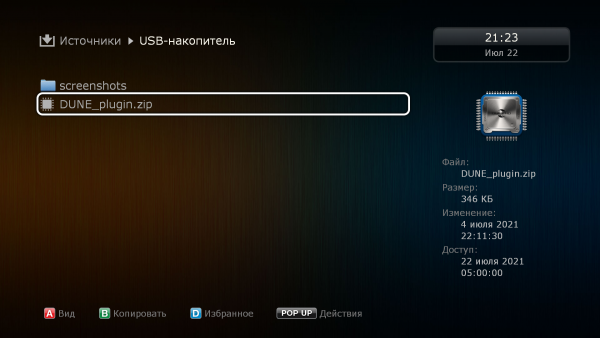
Developer download: download the Dune plugin. Keep the plugin as a ZIP file on the USB drive; do not extract it.
- Copy the ZIP plugin to a USB drive and connect it to the Dune HD box.
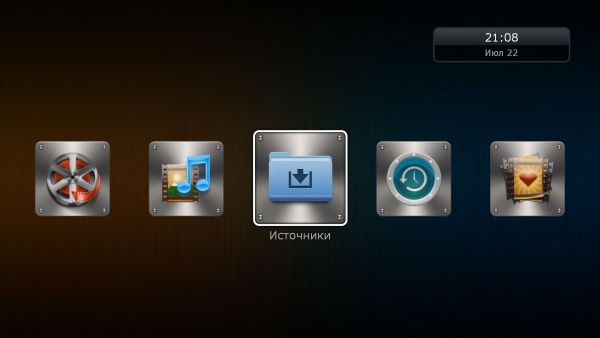
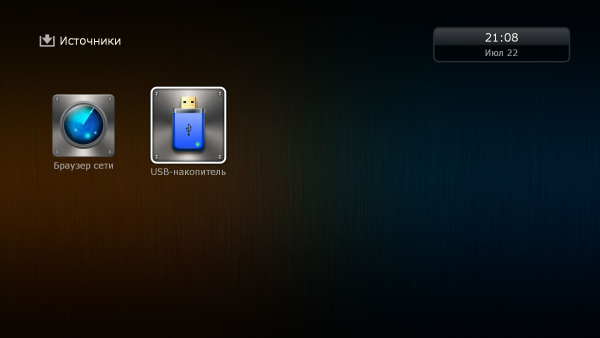
- Open Sources and select the USB drive.
- Select the ZIP plugin and press OK on the remote.
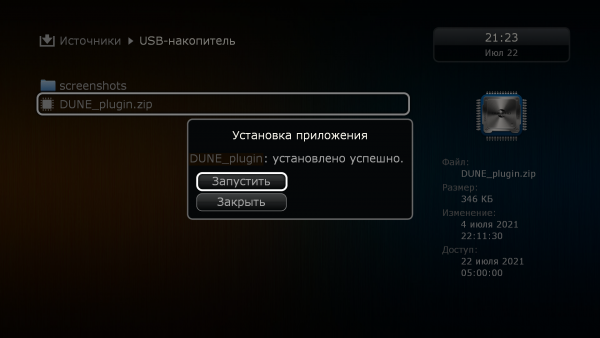
- In the installation window, choose Run.