Buying and installing StalkerTV
iOS 5.1.1 or later is required. The app is paid and installed from the App Store.
Use the QR code, open StalkerTV in the App Store or search the App Store for StalkerTV.

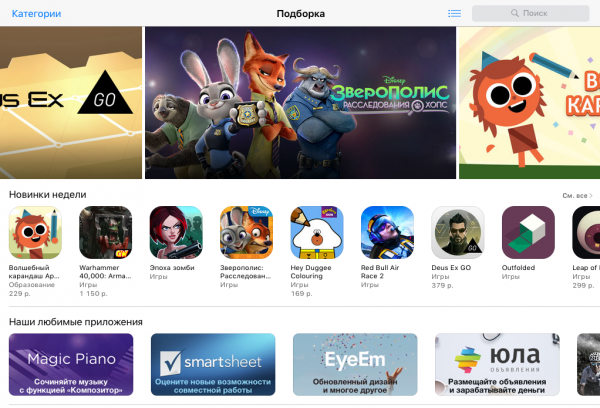
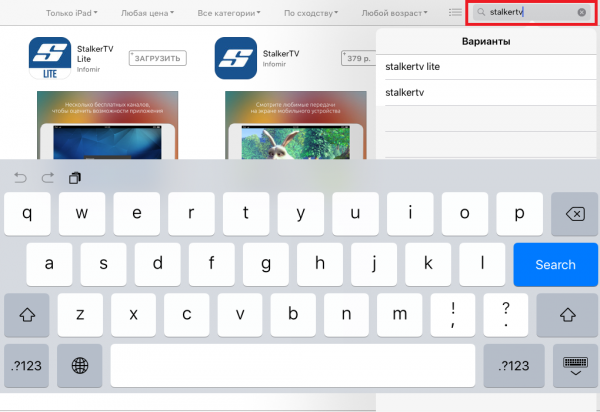
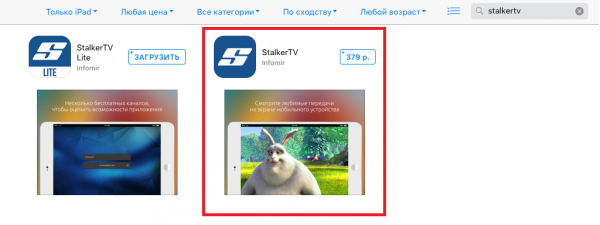
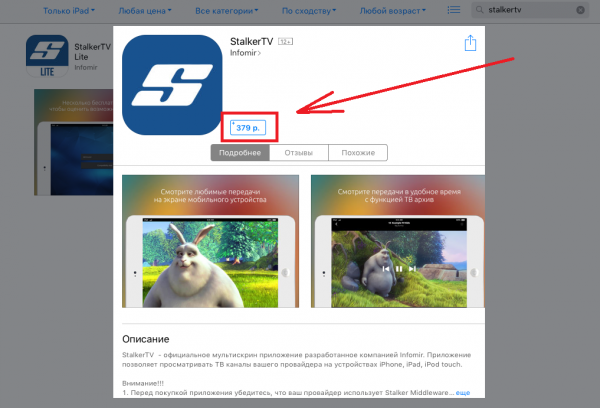
- Open the App Store.
- Search for StalkerTV.
- Select the app in the search results.
- Open the app page and press the purchase button.
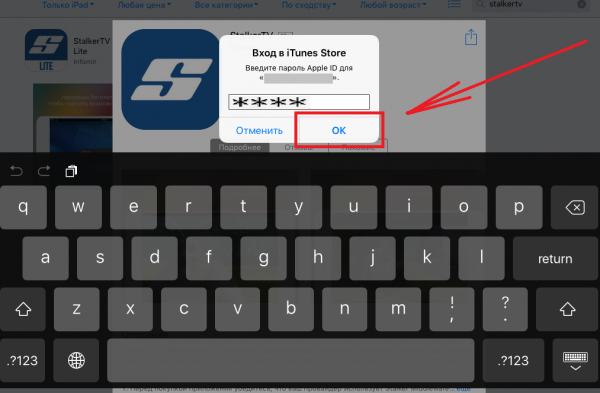
- Enter your Apple ID password and confirm the purchase.
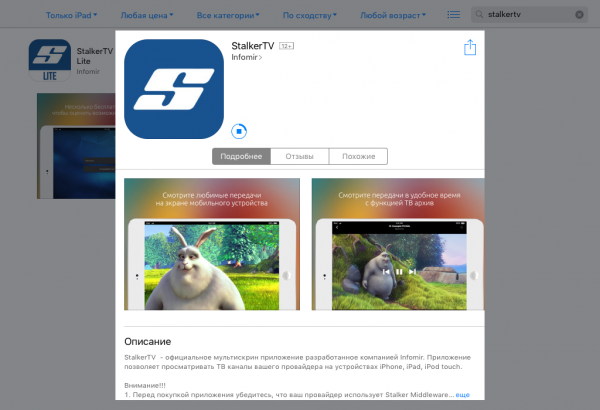
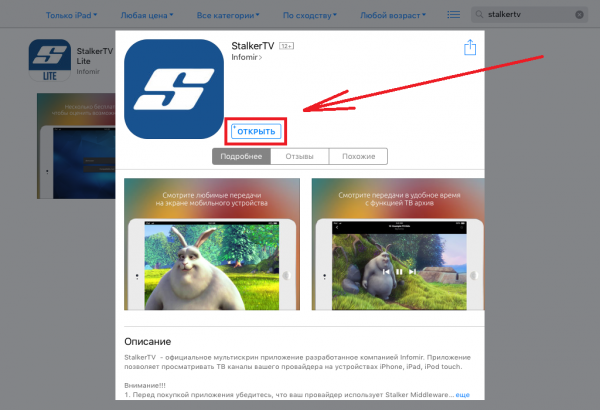
- Wait for installation to finish and press Open.
First launch and sign-in
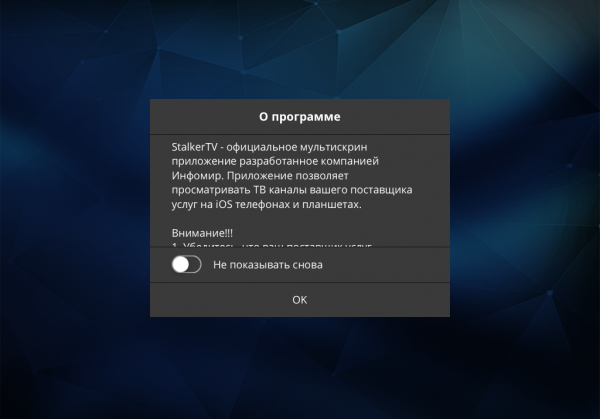
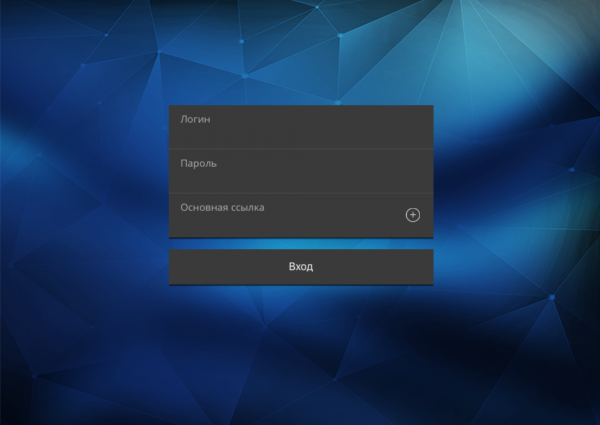
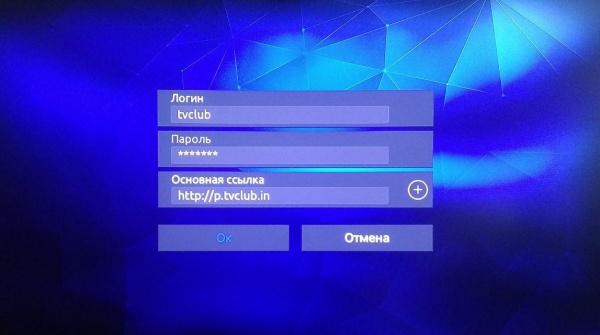
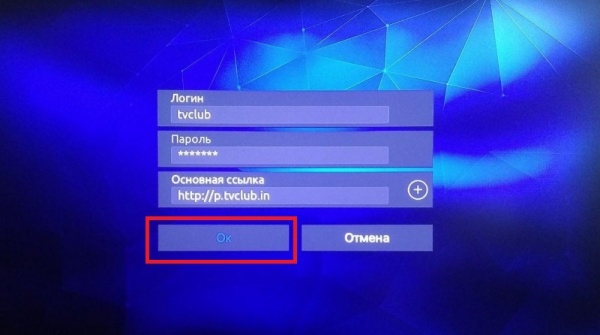
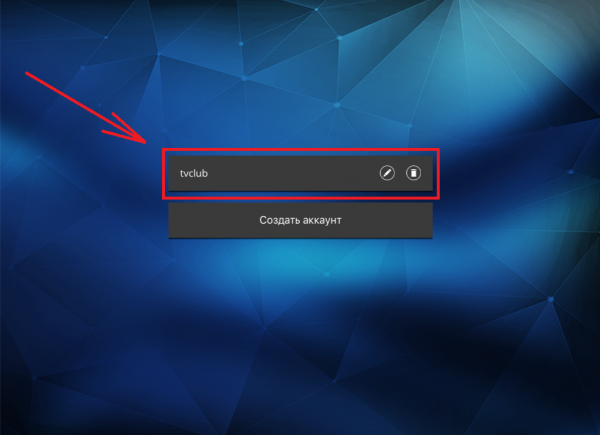
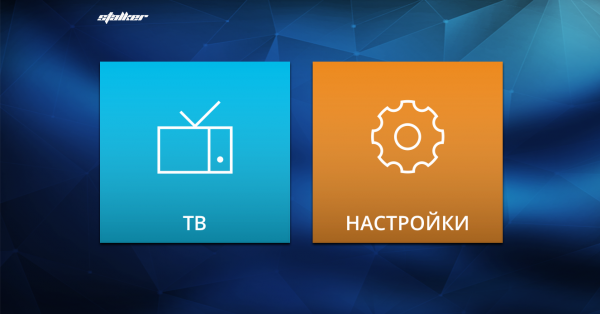
After launch, confirm the information screen, enter your TVClub login, password and main portal link, then select your account and open TV. Use http://p.tvclub.in as the portal address.
Watching channels, EPG and catch-up
Watching TV channels
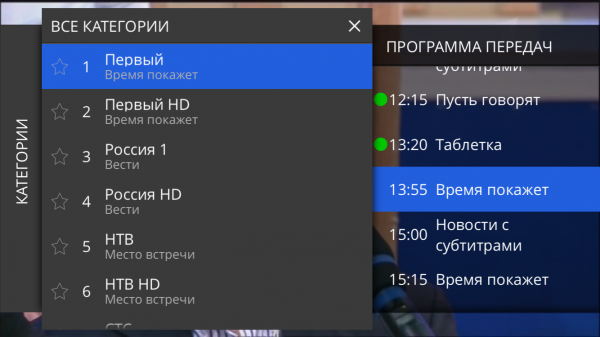
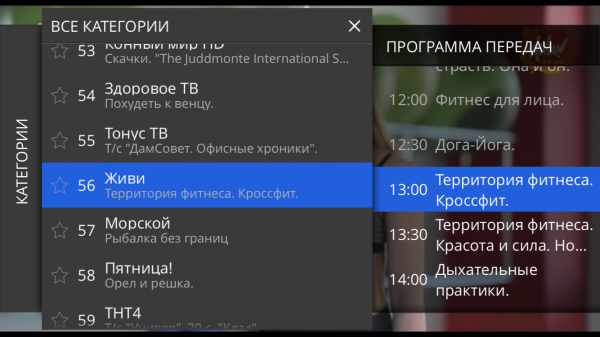
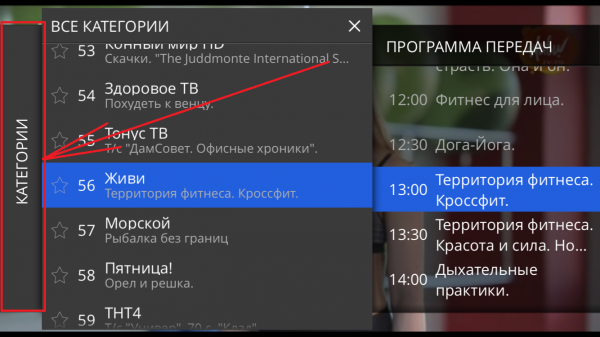
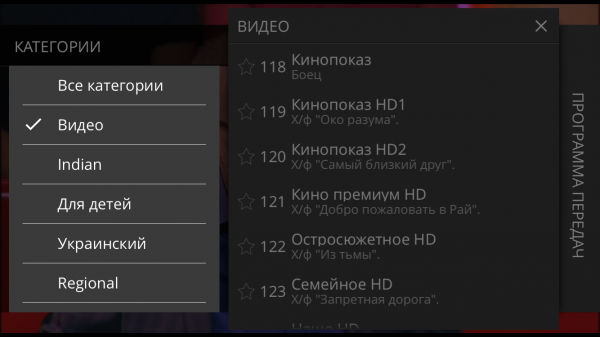
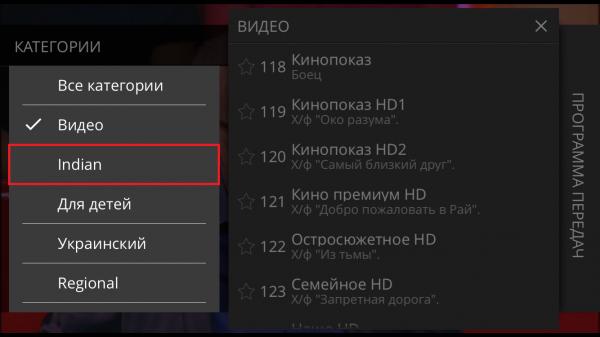
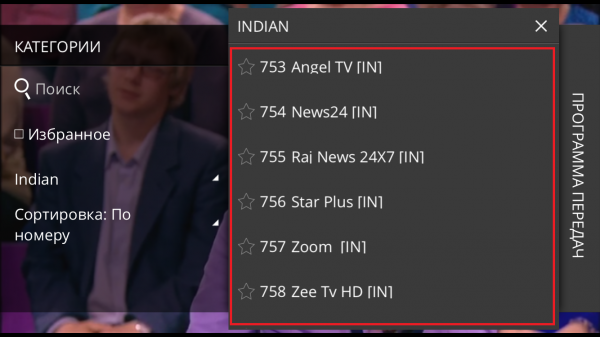
- Open Categories.
- Choose a category.
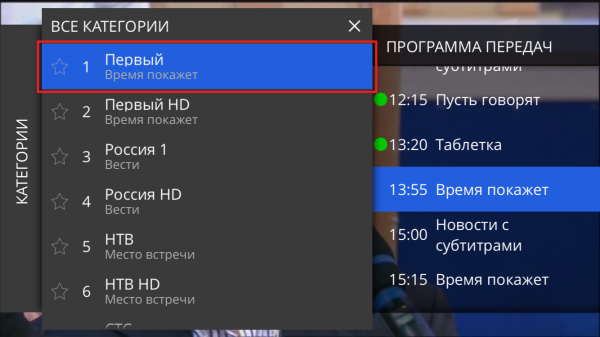
- Select a channel from the list.
- Use the left and right buttons to switch channels inside the selected category.

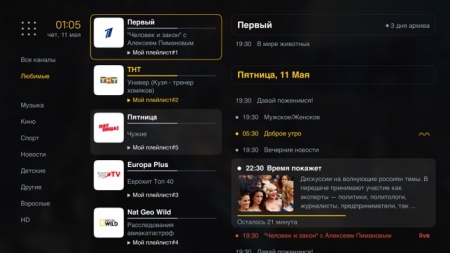
Program guide
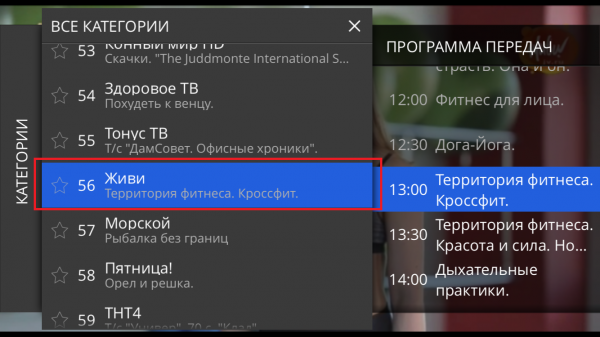
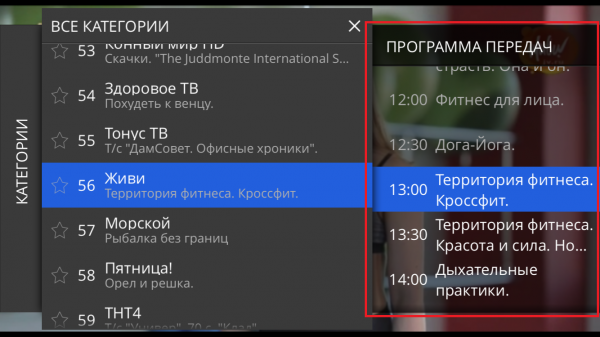
- Select a channel in the Channels menu.
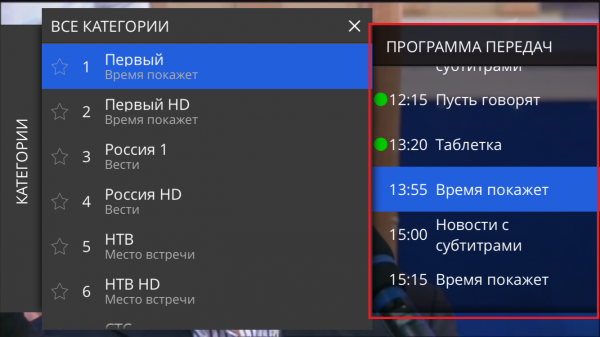
- Open the Program guide section to view the schedule.
Catch-up archive
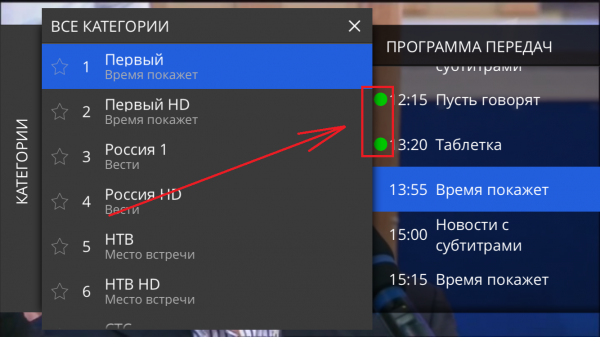
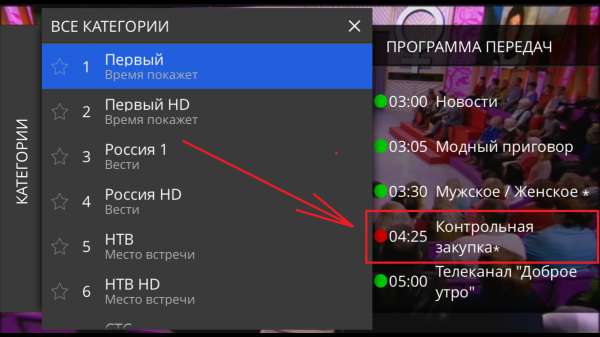
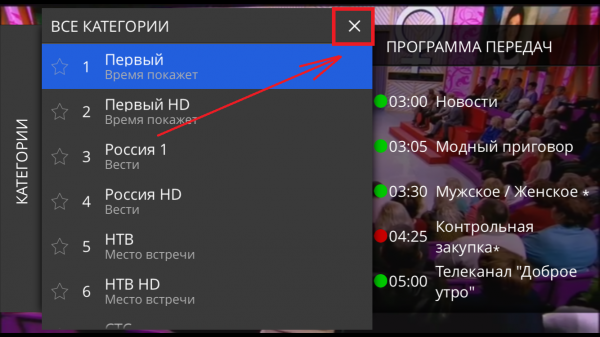
- Programs marked with a green dot can be watched from the archive.
- Select a channel, find the required program and start playback.
- Close the menu with the close button
 .
.
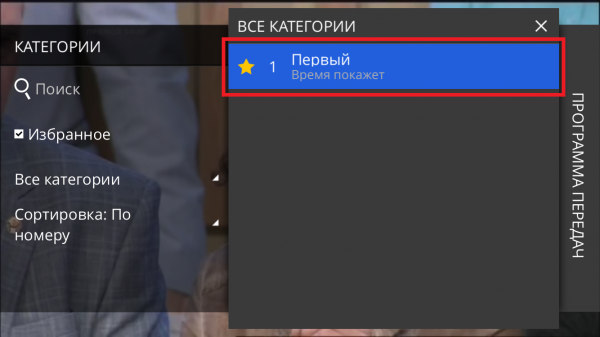
Favorites
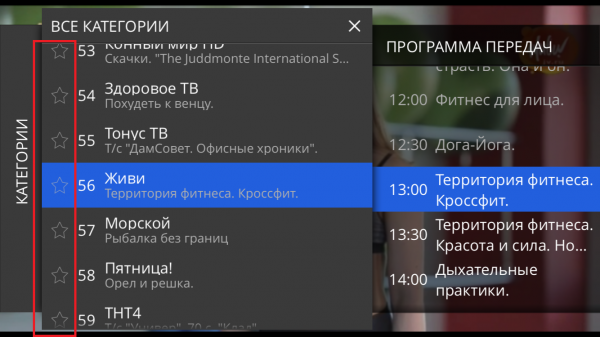
- Open the channel list.
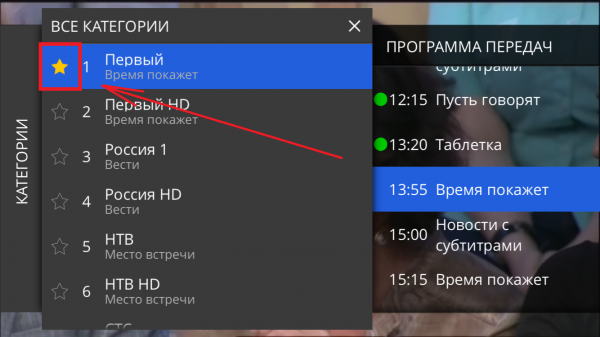
- Mark the required channels with the favorite star
 .
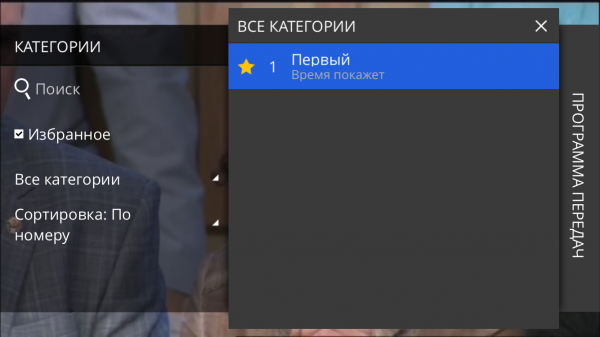
. - Open Favorites and select the channel for viewing.